All Tech IOM · SYS-01 · Networking & Wi-Fi
The broadband you pay for, in every room.
Wi-Fi designed from a real survey of your actual walls — then installed, wired the tidy way, and tested where you actually sit.
Coverage planner / Two sheets, two layouts
Coverage is designed, not hoped for.
Two floors of a real house, drawn to scale. Flip between the layout most homes arrive with and the one a survey ends up designing — the black spots move, and so does the fix.
Survey · ISP router alone in the hall · signal bleeding up the stairs · study unusable
A sketch of what a survey finds — your walls will differ. That’s the point.
What the survey is actually for
Where the access points go is only one of the answers. Just as often the fault is something else entirely — and more kit won’t touch it.
Mesh is usually the right product. The value is in sizing it and siting it from a survey rather than guessing, and in naming the fault before anything gets bought.
- 01 · INTERFERENCE
Something in your house, or next door’s, sitting on top of your signal.
- 02 · THE OLD BOX
A previous ISP router still broadcasting, so devices keep latching on to the wrong one.
- 03 · CONGESTION
A channel the whole street is crowded onto, so everyone takes turns without knowing it.
- 04 · CONFIGURATION
A setting nobody ever changed, quietly holding half the house back.
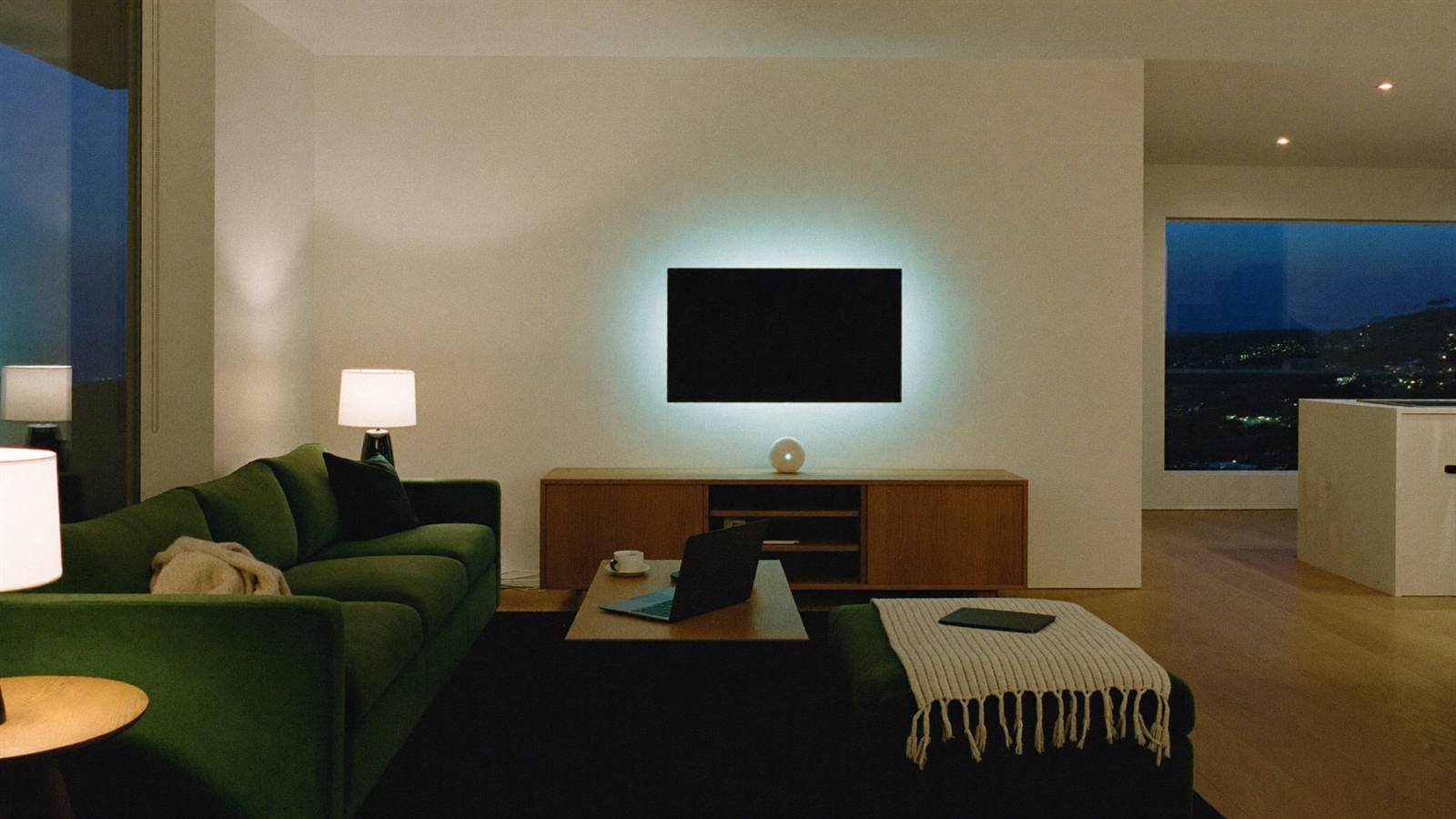
Systems / NW-01—06
Six pieces of one network.
Manx stone walls eat Wi-Fi for breakfast. We measure the house, design around the building you actually live in, and prove it works before we leave.
Surveys & design
We walk the house with a meter, find where the signal dies in your walls, and design coverage around the building you actually live in.
Measure · Map · PlanWhole-home Wi-Fi
Mesh done properly — access points where the survey says they should go, wired together where it counts, one network name everywhere.
Size · Site · RoamWired backbone
Tidy cable runs to the rooms that matter — the TV wall, the office, the consoles. The best Wi-Fi is the Wi-Fi you’re not having to use.
Run · Terminate · TestGardens & outbuildings
Garden offices, garages, annexes — wired runs or point-to-point links that make the pod feel like the next room, not the next parish.
Bridge · Extend · CoverSecurity & guest Wi-Fi
Firmware kept current, a separate network for guests and gadgets, and parental controls that actually stick.
Update · Segment · RelaxPriority & aftercare
Traffic rules so video calls survive movie night — and someone to call when the little lights start blinking wrong.
Prioritise · Support · BreatheNW-04 / Reach
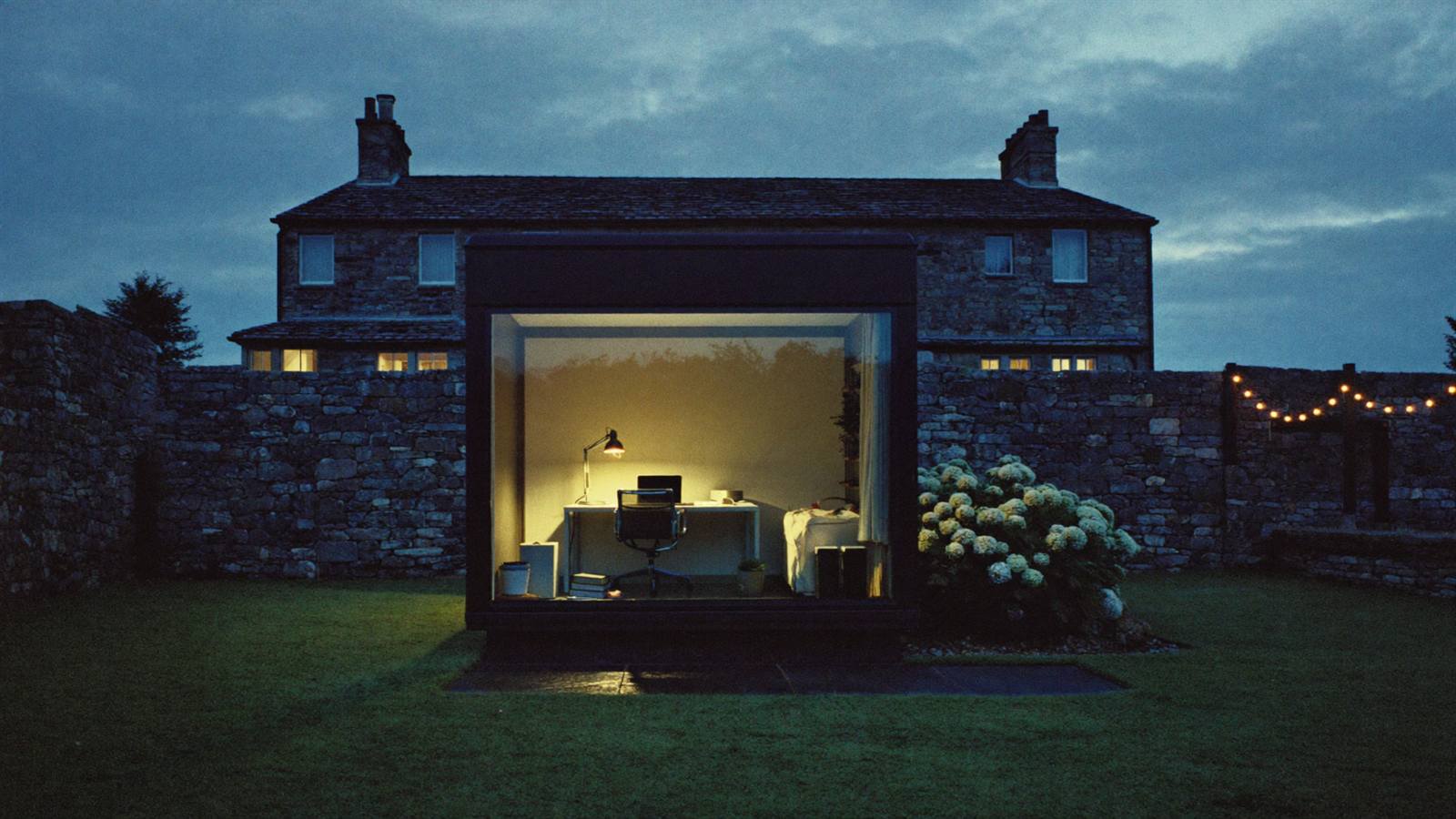
The pod at the bottom of the garden is part of the house.
Garden offices are brilliant, right up until the video call freezes. Distance is a solved problem — you just need the right link.
Point-to-point links
A discreet pair of radios can carry the connection across a garden without digging up the lawn — and without the “sorry, you cut out”.
Wired the tidy way
Where a cable makes more sense, we run it neatly and label both ends. If a job needs building work, we bring in trusted local trades and handle all the tech ourselves.
Specced for Manx weather
Outdoor-rated kit chosen for horizontal rain and salt air, and mounted to stay where we put it in a gale.
Process / 01—04
Find the fault first.
The same route through every network job, whether it’s one stubborn bedroom or a whole farmhouse.
Survey
We walk the house with a meter, room by room, and find where the signal actually dies — and how far the walls are to blame.
Name the fault
Interference, an old box still broadcasting, a congested channel, a setting nobody changed. The fault gets named before anything gets bought.
Design & install
Coverage sized and sited from the survey, wired together where it counts, and set up so the whole house is one network name.
Prove it
We measure again at the sofa, the desk and the garden bench, then show you what changed before we pack up.
NW-06 / Calm
Movie night shouldn’t break the meeting.
A house full of screens is a queue. The trick is deciding who goes first — before the argument starts.
The call comes first
Traffic rules on the router put your video call ahead of the 4K stream. Nobody downstairs ever notices — that’s the point.
A lane for guests
Visitors get good Wi-Fi on their own network — nowhere near your files, cameras or smart kit.
One name, everywhere
Your phone hands over between access points as you walk the house, without dropping the call or asking you to pick a different network.
Priority rules · The boring magic that keeps every screen happy
FAQ / Five answers
Straight answers.
The questions every survey starts with. Got another? Send it over.
Why is the Wi-Fi bad in half my house?
Often it’s the building — Manx stone eats Wi-Fi for breakfast. Just as often it’s something specific: next door’s router sitting on the same channel, an old ISP box still broadcasting alongside the new one, or one badly placed access point. The survey finds the actual fault instead of guessing at it.
Do you survey before quoting?
Yes — we walk the house with a meter, find where the signal dies in your walls, and design coverage around the building you actually live in. The quote that follows is clear and no-obligation.
Is mesh Wi-Fi worth it in a stone house?
Done properly, yes. Mesh struggles when nodes get guessed into spare sockets — sized and placed from a survey, wired together where it counts, it’s one network name working in every room.
Can you get proper Wi-Fi to a garden office or outbuilding?
Yes — a discreet point-to-point link can carry the connection across the garden, or we run a tidy, labelled cable where that makes more sense. The kit is outdoor-rated and specced for Manx weather.
Can video calls survive movie night?
That’s traffic priority — rules on the router that put the call first, so a 4K stream can’t sink the meeting. Guests and smart gadgets get their own network, away from your files, too.
Contact / Say hello
Every corner. One quote.
hello@alltech.imTell us about the house, the walls, and where the Wi-Fi sulks. You’ll get honest advice and a clear, no-obligation quote.